
Put Microsoft Copilot to Work on Useful Everyday Tasks
Find useful tasks for Copilot, check which information it can use, and help employees test whether it saves time after their work is reviewed.
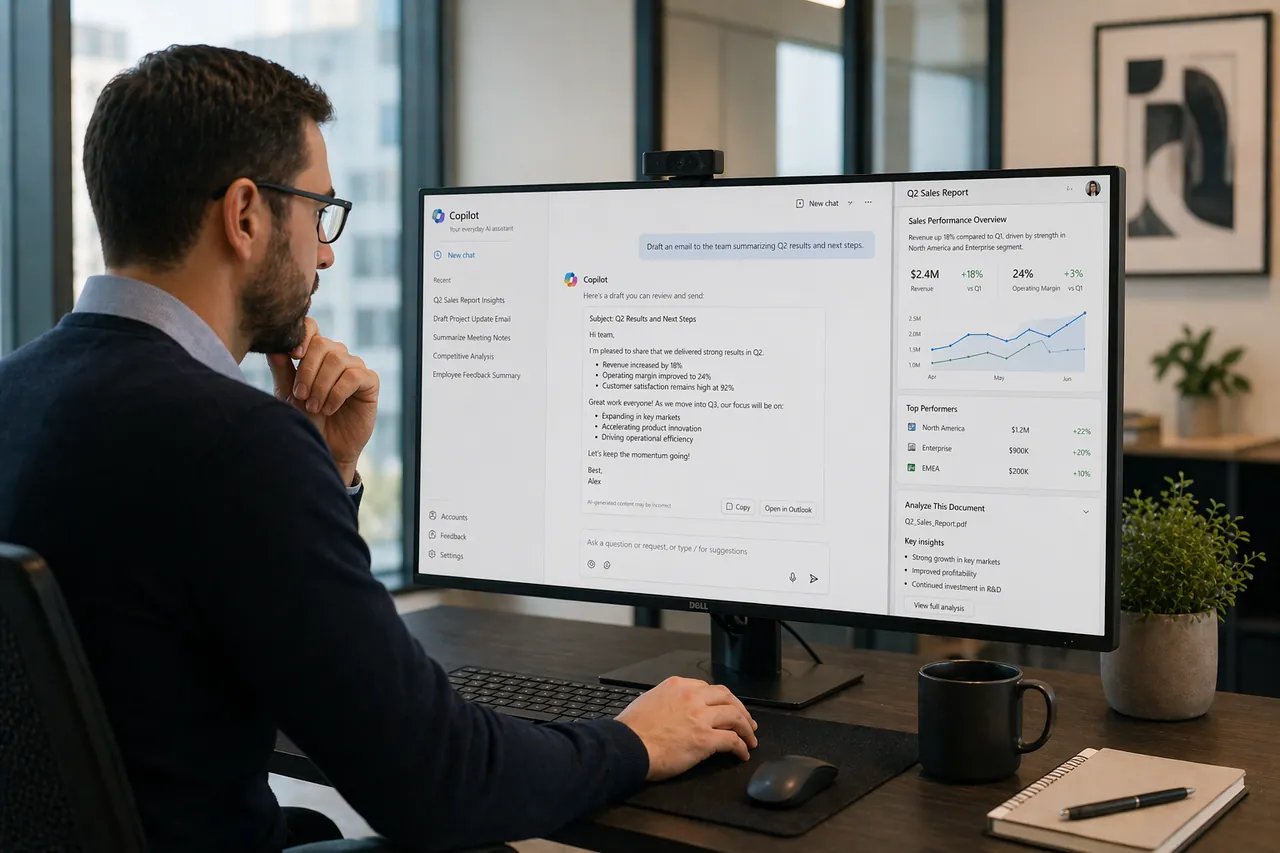
Microsoft Copilot can help with selected everyday tasks when employees have useful source information, appropriate access, and time to review the result. We help choose a focused starting point and test whether it improves the work in practice.
Start With a Task Worth Improving
We begin with a recognizable task, such as preparing an internal update, summarizing an approved meeting, or finding relevant information. The task should matter enough to measure but remain small enough to test with a focused group.
Check Information and Access Before Expanding
Copilot can only be as useful as the information and permissions behind it. We test what pilot users can and cannot reach, review source quality, and address obvious sharing problems before adding more employees.
Measure Whether It Helps
A pilot compares task effort, review and correction time, usefulness, and adoption. Employees remain responsible for reviewing output before it is used or shared.
Understand the Product and Licensing Fit
Copilot Chat, Microsoft 365 Copilot, Copilot Studio, agents, connectors, and capacity have different capabilities and licensing considerations. We verify the purchased entitlements and match the product to the use case instead of assuming one license includes every agent or workflow feature.
How We Help
- Useful task and role selection
- Microsoft 365 readiness review
- Licensing and product fit
- Information access and permissions review
- Focused pilot planning
- Employee training and human-review guidance
- Adoption and support planning
Related Paths
Use the path that matches the information, readiness, or workflow work around the pilot.
Microsoft 365
Improve the information, access, and collaboration foundation Copilot uses.
AI Readiness Roadmap
Compare use cases, risks, and rollout priorities before expanding AI access.
Dynamics 365 and Power Platform
Connect useful automation and reporting to Microsoft business applications.
Let's Talk About Microsoft Copilot
Tell us what is slowing your team down or what you want to improve. We will review your request and discuss a practical next step. Detailed technical work is scoped separately.