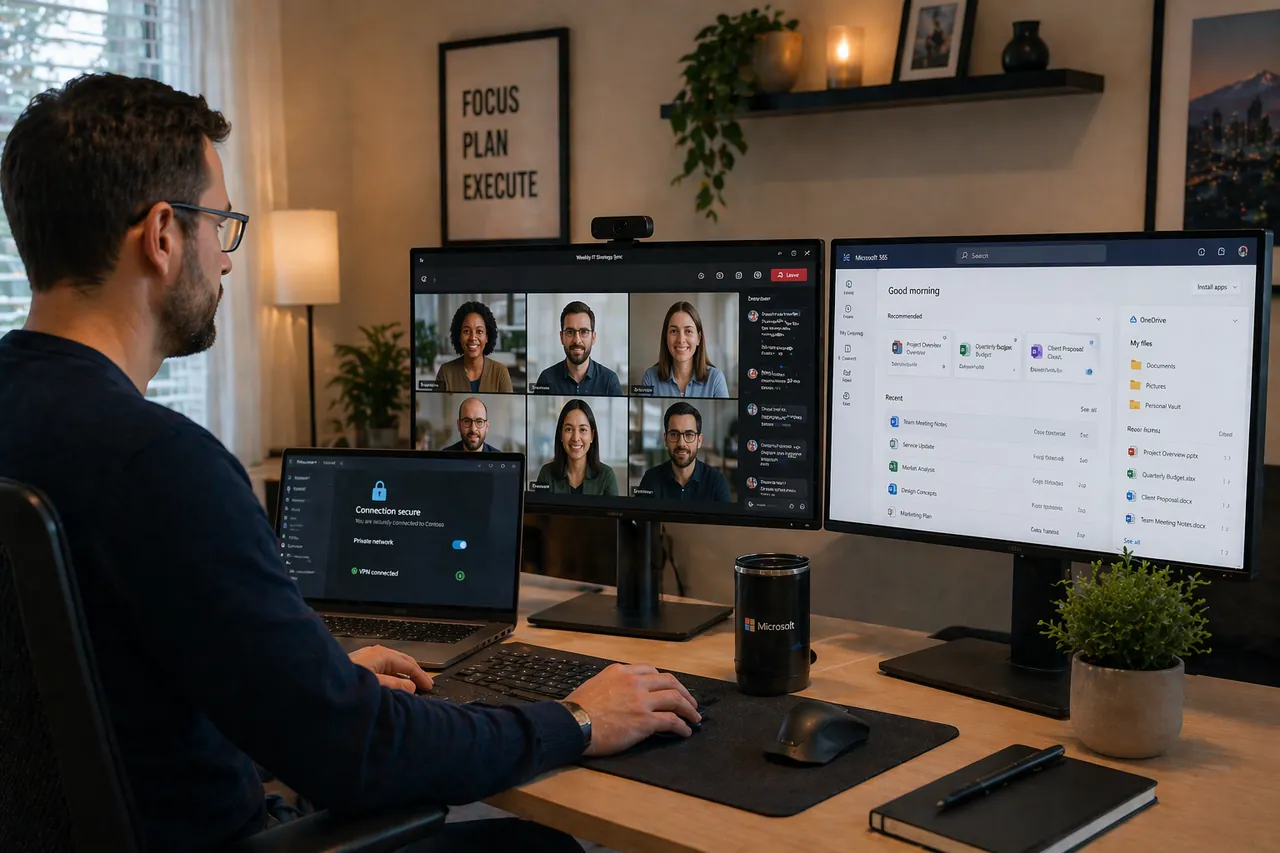
Windows 365 and Azure Virtual Desktop can give remote employees and contractors a Windows workspace without tying work to one physical computer. The right fit depends on users, applications, locations, support needs, and cost—not simply a preference for cloud desktops.
Give Remote Staff a Consistent Workspace
We plan managed desktops and business applications for supported devices so employees have a familiar place to work and the business has a clearer support model.
Choose a Setup That Fits the Team
Windows 365 commonly fits dedicated, predictable per-user Cloud PCs and simpler provisioning. Azure Virtual Desktop can fit pooled desktops, application delivery, or specialized architecture when the added flexibility justifies more operational work. A managed physical device may be better when offline use, peripherals, applications, or network latency make a cloud desktop impractical.
Test Real Work Before a Wider Rollout
A pilot validates sign-in, application performance, printing, peripherals, profile behavior, support, recovery, and expected cost with representative employees.
Licensing and Dependencies Still Matter
Eligible user licenses, application rights, Azure consumption, profile storage, bandwidth, identity, and ongoing administration are checked separately. Cloud desktops still require recovery planning and support for the services they depend on.